Best Utility Apps make your smartphone faster, safer and more efficient, which makes daily tasks easier and helps save time.

Smartphones are now an important part of our daily lives, and some special types of apps become very useful to use this device more effectively. These apps play an important role in improving the phone’s performance, managing storage and ensuring security. No matter how advanced a smartphone is, if it is not managed properly, it can gradually slow down or accumulate unnecessary files, which spoils the user experience.
Such apps help us in many ways in daily life. For example, they keep the phone fast by cleaning unnecessary files, protecting important data, controlling battery usage and make necessary tasks easier. This saves time and increases work efficiency.
In this article, we will discuss some useful apps that will improve your smartphone experience. Along with this, a clear idea will be given about their main features, usage methods and how to choose the right app.
What Are Utility Apps?
Best Utility Apps are a special type of mobile app that helps improve smartphone performance, ensure security, and manage the device more effectively. These apps usually clean up unnecessary files on the phone, manage storage, control battery usage, and perform various system optimization tasks.
Compared to other general apps, their main goal is to simplify the user experience and keep the device fast and secure.
Therefore, such apps are very important for those who want to keep their smartphone in good condition for a long time.
Definition of Utility Apps?
Utility apps are a type of mobile application that is used to enhance the functionality of a smartphone or device and make daily tasks easier. These apps mainly help in system optimization, file management, security, and performance enhancement.
For Example,
CCleaner can clean up unnecessary files, Google Files can manage storage, Avast Mobile Security can protect your phone from viruses, and Google Keep can help you take notes easily. These apps save users time and help keep their phones fast and secure. Therefore, utility apps are very important to improve the smartphone experience.
Difference From Normal Apps?
| Subject | Utility Apps | General Apps |
| Purpose | Improving phone performance and system | Entertainment, communication or doing specific tasks |
| Type of Work | Background support and optimization | Completing user tasks directly |
| Examples | Cleaner, Antivirus, File Manager | Facebook, YouTube, WhatsApp |
| Storage Usage Goals | Cleaning and optimizing storage | Content usage and data storage |
| User Impact | Keeps the device fast and secure | Provides the user with the necessary services |
| Importance | Important for system maintenance | Important for daily communication and entertainment |
It is easy to understand from this table that utility apps mainly keep the phone in good condition, while general apps are used for specific tasks or entertainment of the user.
Why Are These Necessary?
Best Utility Apps play an important role in making the smartphone experience easier, faster and safer. Nowadays, various types of unnecessary files accumulate on the phone, the battery drains quickly and security risks can arise, which hinders the user’s work. Utility apps are very effective in solving such problems. They clean the phone’s storage, optimize the system and protect the device from viruses. They also make daily tasks such as file management, taking notes or data backup easier. Therefore, these apps are very necessary to keep the smartphone in good condition for a long time and increase its functionality.
Why Utility Apps Are Important
Utility Apps play an important role in making smartphones faster, smarter and more efficient. They help increase the performance of the phone, so that the device does not lag or slow down and is easy to use. In terms of storage management, these apps free up space by cleaning unnecessary files and cache data.
To save battery, they control background apps and reduce power consumption. To increase security, many utility apps work as virus scans, privacy protection and data protection.
Also, by saving time, users can complete tasks faster and increase efficiency in using smartphones. By using Best Utility Apps, users can complete their daily tasks easier and faster. They maintain the overall health of the phone and ensure good performance for a long time.
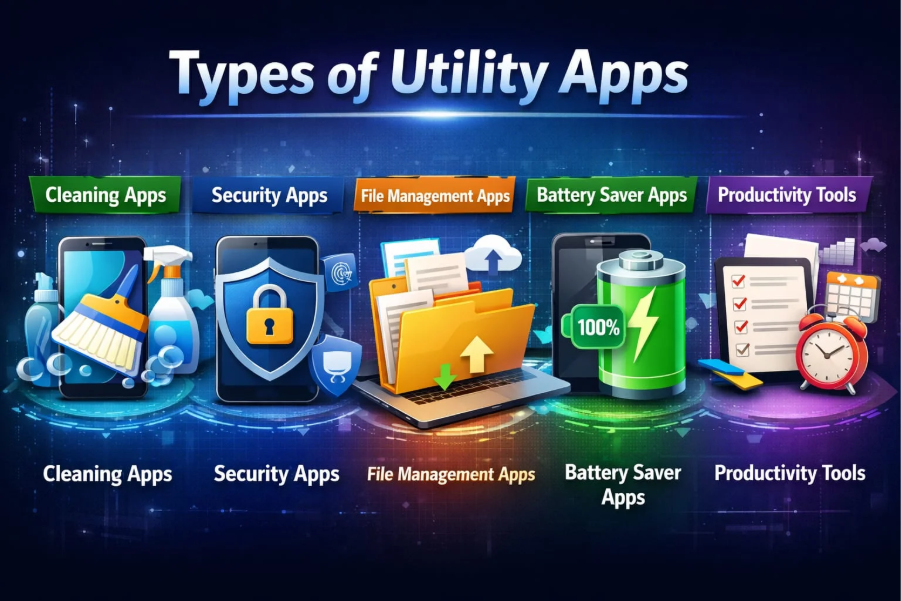
Types of Utility Apps
Cleaning Apps
Cleaning Apps are a type of utility app that helps keep your smartphone running faster and smoother by cleaning up unnecessary files, cache data, and junk files. Over time, a lot of unnecessary data accumulates on your phone, which slows down its performance. These apps solve that problem and optimize your phone.
Unique Feature
- Junk file cleaner
- Cache data remover
- Storage optimizer
- RAM booster
- App manager
Cleaning Apps are very useful because they increase the speed of the phone, free up storage, and reduce lagging problems. Regular use will help the smartphone perform better for a long time and greatly improve the user experience.
Security Apps
Security Apps play an important role in keeping smartphones safe from viruses, malware, and online hacking. These apps help keep users’ personal information such as photos, passwords, and banking data safe. They detect suspicious files or apps through real-time scanning and alert them immediately. Many Security Apps also provide privacy protection, app lock, and Wi-Fi security. They also make online browsing safer. By using Best Utility Apps, users can protect their phones from various digital threats and use their smartphones safely.
File Management Apps
File Management Apps are a type of utility app that helps you organize, find, and manage all types of files on your smartphone. Using these apps, users can organize images, videos, documents, and other files into separate folders, making it easier to find the files they need. They also help manage storage space and allow you to delete unnecessary files. Many File Management Apps also work with cloud storage, allowing you to back up important data. This keeps your phone organized and increases your productivity.
Battery Saver Apps
Battery Saver Apps are a type of utility app that helps extend the battery life of smartphones. These apps close unnecessary apps running in the background, control screen brightness, and optimize power-intensive features. As a result, the phone’s battery does not drain quickly and can be used for a long time. Many Battery Saver Apps also provide users with battery usage reports, so that they can understand which apps are consuming more charge. They also help maintain good battery health by optimizing charging. Therefore, these apps are very important for those who use their phones all day long.
Productivity Tools
Productivity Tools are a type of app that helps users to do their daily work faster, easier and more organized. These apps are generally used for tasks like taking notes, task management, setting reminders and time management. As a result, users can complete their important tasks on time without forgetting them. Productivity Tools increase work efficiency and reduce unnecessary time wastage. Many apps also offer cloud sync facilities, so that data can be accessed from any device. Using Best Utility Apps, Productivity Tools bring discipline to personal and professional life and play an important role in increasing the speed of work.
Best Utility Apps List
CCleaner
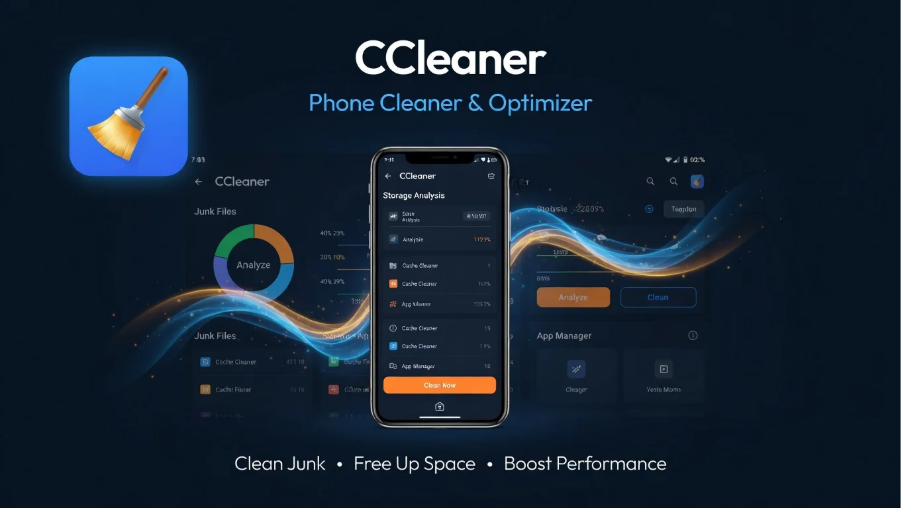
CCleaner is a popular utility app that helps keep your smartphone or computer running faster and smoother by cleaning up unnecessary files, cache data, and junk files. It improves the performance of the user’s phone and frees up storage space, thereby reducing device lag.
Features
- Junk file cleaner
- Cache cleaner
- RAM optimizer
- App management
- Storage analysis
CCleaner is very useful because it speeds up the phone, manages storage by removing unnecessary files, and improves battery and performance. Regular use keeps the device in good condition for a long time and improves the user experience.
Google Files
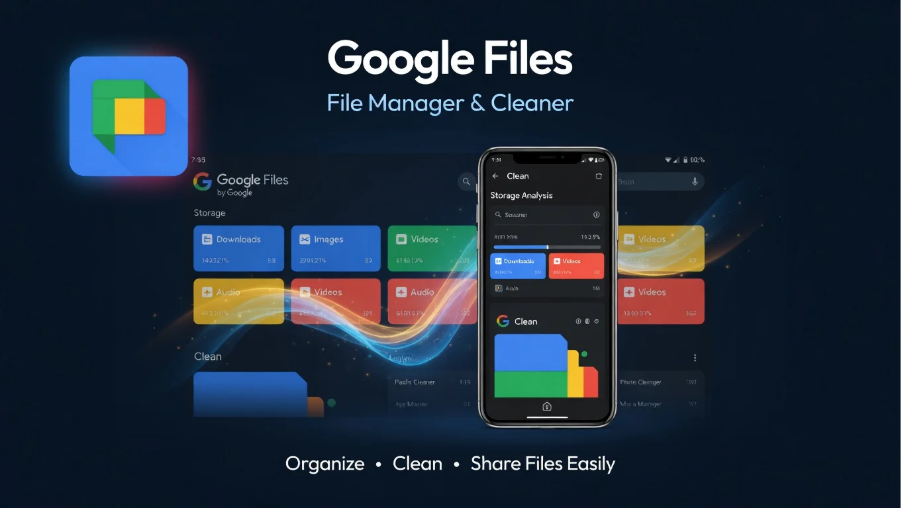
Google Files is a powerful file management app that helps users easily manage their phone’s storage and clean up unnecessary files. It mainly works to optimize phone space, find files, and keep data organized.
Features
- Junk file cleaner
- Smart storage management
- Fast file sharing (offline)
- Duplicate file detection
- Easy file search system
Google Files is one of the Best Utility Apps that helps to free up phone storage and makes the device faster. Regular use makes it easy to delete unnecessary files and keeps important data neatly organized. It also helps to find large files, which is difficult to do manually.
Avast Mobile Security
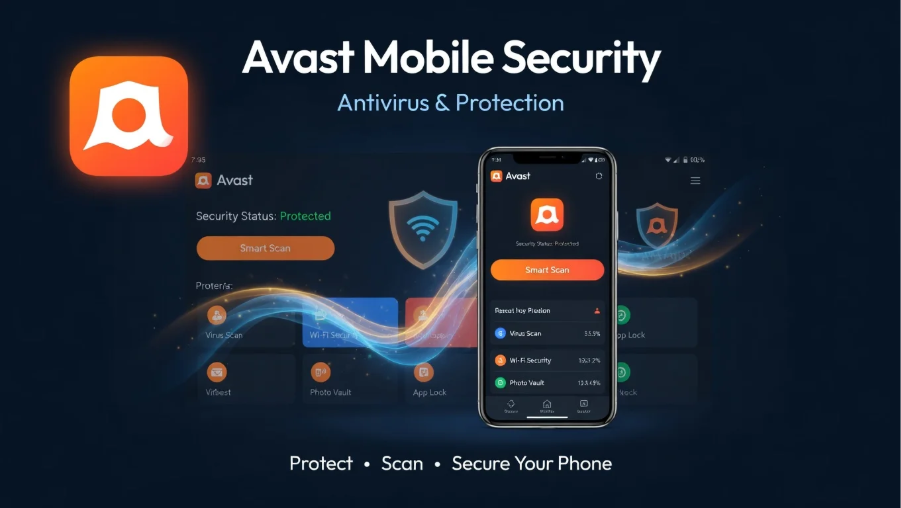
Avast Mobile Security is a powerful security app that helps protect smartphones from viruses, malware, and online threats. It keeps users’ personal data safe and detects suspicious activity and alerts them immediately.
Features
- Virus and malware scanning
- App lock for privacy protection
- Wi-Fi security check
- Junk file cleaner
- Anti-phishing protection
This app is necessary because in today’s digital age, the risk of hacking and data theft is very high. Using Avast Mobile Security increases the security of the phone, protects personal information and ensures safe browsing. It plays an important role in keeping the smartphone always safe and optimized.
Norton Clean
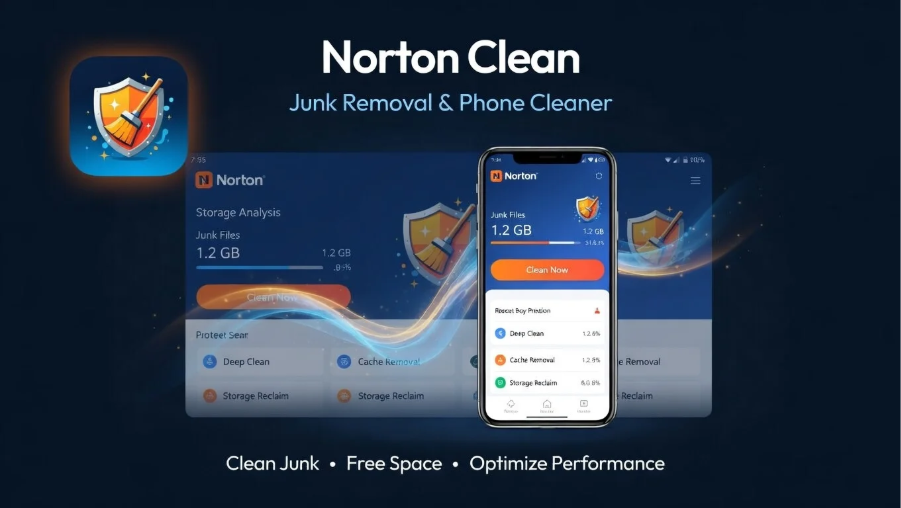
Norton Clean is a popular utility app that keeps your smartphone running faster and smoother by cleaning up unnecessary files, cache data, and junk files. It helps optimize your phone’s storage and improves performance, preventing your device from lagging or slowing down.
Unique Features
- Junk file removal
- Cache cleaner
- Storage optimization
- App management suggestions
- Safe and trusted scanning
Norton Clean is very useful because it removes unnecessary data from the phone, frees up storage and increases the speed of the device. Regular use will keep the smartphone performing well for a long time and improve the user experience. It also ensures safe file cleaning, which helps keep the phone stable.
SD Maid
SD Maid is a powerful Android cleaning app that helps keep your device faster and smoother by deeply cleaning your smartphone of unnecessary files, logs, cache, and residual data. It scans system files and finds hidden junk files more efficiently than ordinary cleaner apps.
Features
- System cleaner
- App cleaner
- Corpse finder (leftover files remover)
- Database optimizer
- Storage analyzer
This app is necessary because it deletes unnecessary data from deep within the phone, which regular cleaner apps can’t always do. This frees up phone storage, increases performance, and keeps the device in good condition for a long time. SD Maid is a useful tool for users of Best Utility Apps, helping to keep the phone clean, fast, and optimized.
Battery Guru
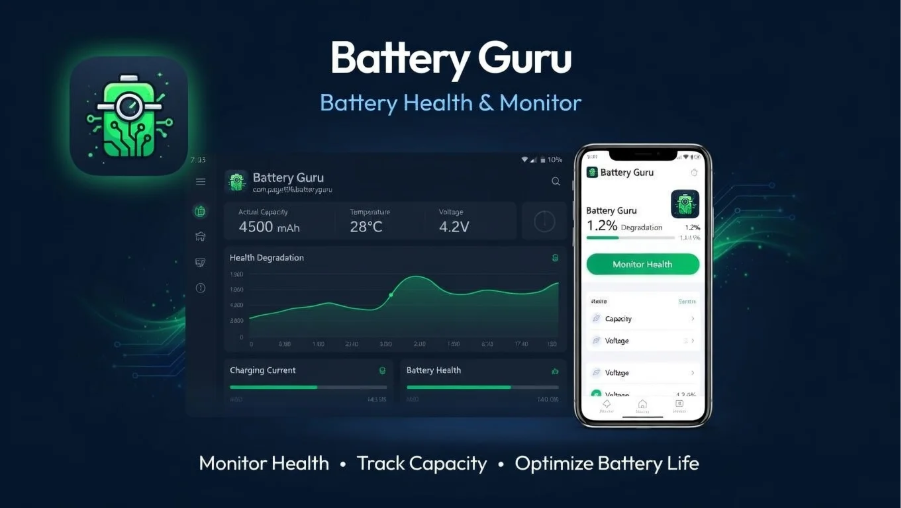
Battery Guru is a smart utility app that helps analyze the health, performance, and usage of a smartphone’s battery. This app shows users in detail how fast the battery is charging, how fast it is discharging, and which apps are consuming the most battery. This allows users to easily control battery usage and make their phones last longer.
Features
- Battery health monitoring
- Charging speed analysis
- Usage statistics tracking
- Background app consumption report
- Temperature monitoring
Battery Guru is very useful because it helps extend battery life and reduces unnecessary power drain, allowing you to use your smartphone more efficiently.
LastPass
Among the Best Utility Apps, LastPass is a very important password manager app, which helps the user to securely store and manage all the passwords. It provides auto-fill facility for logging in to various websites and apps, so there is no hassle of remembering passwords again and again. LastPass keeps the user data safe using strong encryption, which further enhances online security.
Features
- Secure password storage
- Auto-fill login system
- Strong encryption protection
- Password generator
- Cross-device sync
This app is needed because nowadays many accounts are used every day and it becomes difficult to remember all the passwords. LastPass solves that problem and ensures secure and easy login.
Google Keep
Google Keep is a simple and effective note-taking app that helps users quickly capture daily tasks, ideas, and important information. The app is very lightweight and fast, making it easy to create and access notes anytime. It also offers to-do lists, voice notes, and reminders, which are very useful in both personal and professional life.
Features
- Quick note creation
- To-do list management
- Voice notes support
- Reminder setting
- Image and drawing notes
- Cloud sync across devices
Using Google Keep is very useful because it reduces the risk of losing important information and keeps work more organized. It helps increase productivity and saves time.
Microsoft OneDrive
Among the Best Utility Apps, Microsoft OneDrive is a very popular cloud storage app. Using it, you can safely store your photos, videos, documents, and other important files online. Files can be easily accessed and shared from any device, which makes work faster and more convenient. Also, since it is a Microsoft service, security and performance are much better.
Important features
- Securely store files in the cloud
- Auto sync feature (updates across devices)
- Easy file sharing options
- Access on mobile, tab and computer
- Advanced security and backup features
Dropbox
Dropbox is a popular cloud storage app that lets you easily store, backup, and share files. It is very useful for both personal and professional purposes, as it allows you to quickly access files from any device. It makes it easy to store photos, videos, or documents securely, as well as work with a team. Its simple interface and reliable performance have made it extremely popular with users.
Important features
- Save files to cloud storage
- Auto sync facility
- Quick file sharing options
- Easy file organization and management
- Strong security and backup
Bit Warden
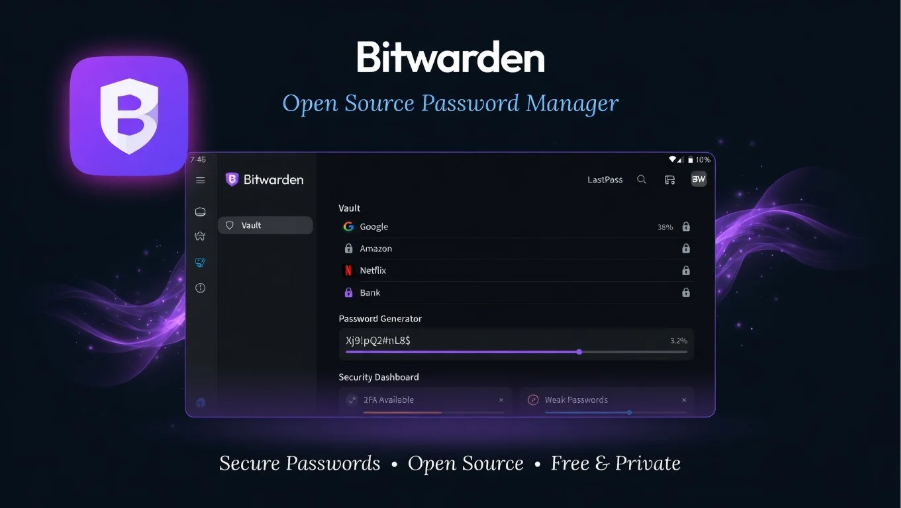
Bit Warden is a powerful and secure password manager app that helps users securely store passwords for all their online accounts. It uses encryption technology to keep your data safe, greatly reducing the risk of being hacked. Users only need to remember one master password, and the app auto-save and auto-fills all the other passwords. It is very useful for both personal and professional use.
Important features
- Strong encryption security
- Auto-fill and auto-save passwords
- Sync facility across mobile and computer
- Multi-factor authentication support
- Cloud backup facility
Discover more here: Step by Step App Guide
How to Choose the Best Utility Apps
Check Rating & Reviews
Checking Rating & Reviews before downloading Best Utility Apps is a very important step. Before installing an app, you can easily understand how effective, safe and useful the app is by reading its user ratings and reviews. Generally, apps with 4 stars or more ratings are considered more reliable.
However, it is not enough to just look at the ratings, it is also important to pay attention to the comments inside the reviews. Sometimes users share problems, bugs, or bad experiences with the app, which helps you make the right decision.
Besides, good reviews give an idea about the important features and performance of the app. Therefore, before using a new app, you should take some time to check the Rating & Reviews carefully, so that you can choose a safe and effective app.
App Permissions
App permissions are permissions that an app asks for to use specific features or data on your phone.
For example,
access to the camera, microphone, location, contacts, or storage. After installing an app, it may require some permissions to function properly, but granting all permissions is not always safe. So as a user, you need to give permissions wisely.
If a simple app asks for unnecessary data access, it may be suspicious. Currently, on both Android and iOS systems, you can control or turn off permissions at any time. Managing app permissions properly keeps your personal information safe and makes using your phone safer.
Is the Developer Trusted?
It is very important to check if the developer is trusted before installing an app. A trusted developer usually provides regular updates, gets good ratings, and resolves user issues quickly.
You can easily get an idea by looking at the developer’s name, their other apps, and user reviews in the App Store. For example, apps from well-known companies like Google or Microsoft are usually more secure and reliable. Also, if the developer has an official website or contact information, that is also a good sign.
If the information about a developer is unclear or has a lot of bad reviews, it is better to avoid that app. This will keep your device and personal information safe.
Storage Usage
It is very important to know the storage usage while using Best Utility Apps. Each app uses a certain amount of storage on your phone, which can increase over time. Especially due to cache files, downloaded data and updates, the storage fills up quickly. So you should regularly check how much storage an app is taking. Deleting unnecessary apps or files improves the phone’s performance. In addition, some apps have storage management options, using which you can easily clear data. Controlling storage usage properly will make your device run faster and smoother.
Safety Tips While Using Utility Apps
Ensuring security is very important when using utility apps, as sometimes personal information can be at risk due to carelessness.
- First, you should absolutely avoid downloading apps from unknown sources, as these apps are more likely to contain malware or viruses. It is always safer to use official app stores.
- Secondly, it is important to allow permissions carefully—if an app asks for additional permissions beyond its function, it is better not to grant them.
- Third, using a reliable Antivirus on your mobile can easily identify malicious files and apps and keep your device safe.
Additionally, regular updates should always be enabled, as updates add new security features and fix old issues. Regularly following these things will keep your device secure and your app experience will be hassle-free and secure.
Advantages and Disadvantages
Advantages
Best Utility Apps make your daily smartphone experience much easier, faster, and more efficient. These apps are mainly used to boost phone performance, manage data, and automate tasks.
- Increases phone performance and speed
- Saves data securely in cloud storage
- Easier battery and storage management
- Helps keep personal data secure
- File management becomes easier and faster
- Syncs data between devices
- Saves time by automating daily tasks
- User experience becomes smarter and smoother
Disadvantages
- Excessive use wastes time and can lead to addiction
- Many apps drain battery quickly
- Phone storage fills up quickly
- Device performance can slow down
- Some apps collect personal information and put privacy at risk
- Increase internet usage by using background data
- Granting unnecessary permissions can cause security issues
- Overreliance can reduce mental skills
Conclusion
Best Utility Apps play a very important role in today’s digital life. These apps make our daily work easier, faster and more organized. These apps are used for various purposes ranging from file management, cloud storage, note taking, battery optimization to security.
In summary, Utility Apps make our smartphone a more powerful tool. They save time, increase work efficiency and make information management easier. Using the right apps can benefit both personal and professional lives.
Why these apps are needed – Because in the current era, we manage everything digitally. Therefore, Utility Apps have become essential for quick and secure solutions. Without them, many tasks become complicated and time-consuming.
In addition, these apps also help users stay productive by reducing unnecessary effort and improving workflow management. Many Utility Apps offer smart automation features that handle repetitive tasks, which further increases convenience in everyday life.
In conclusion, choosing the right Utility Apps and using them responsibly makes our digital life smarter and safer. We can get the maximum benefit from technology only if we can use it properly.
FAQ Section
Qus: Why are Utility Apps needed?
Answer: They save time, speed up work and make the phone smarter and more efficient.
Qus: Are all Utility Apps safe?
Answer: No, not all apps are safe. So you should use them by looking at trusted developers and ratings.
Qus: Do Apps slow down the phone?
Answer: Some apps can slow down the phone if they use extra storage or background data.
Qus: What types of Utility Apps are used the most?
Answer: Manager, cloud storage, antivirus, notes app and battery saver are more popular.
Qus: Do Apps work without the internet?
Answer: Some apps work offline, but many features require the internet.
Qus: Is it necessary to use them?
Answer: Yes, Utility Apps are very important to make the smartphone work easier and faster.